Home office décor works best when it supports concentration instead of competing with it. The room should provide useful light, easy access to work tools, and enough personality to feel inviting—while keeping the primary work surface clear.
Begin With the Work, Not the Accessories
List the tasks performed at the desk and the equipment each requires. Writing, video calls, crafts, and computer work create different lighting and storage needs. Keep the most frequent task at the center of the layout.
Measure the Desk and Sightlines
Record the usable work surface after the monitor, laptop, keyboard, or project materials are placed. Check shelf clearance, chair movement, outlets, cords, and what appears behind you on calls. Décor should not reduce the space needed for focused work.
Choose Task Lighting Carefully
A desk lamp should illuminate documents without reflecting into a screen or exposing the bulb at eye level. Place it opposite the writing hand when possible. Compare base footprint, reach, adjustability, brightness, color temperature, switch, and cord length.
Practical rule: Choose the item that fits the room, the routine, and the maintenance you can realistically provide.
Organize by Frequency of Use
Daily tools belong within easy reach; weekly supplies can sit in a drawer, tray, or nearby organizer; archives should leave the desktop entirely. Use containers that match the category rather than dividing every small item into a separate box.
Plan Wall Décor as a Background
Choose one main piece or an edited grouping that can be enjoyed without filling the visual field. Consider video-call framing, glare, frame glass, and the relationship between art, clocks, shelves, and the desk width.
Use Decorative Accents With Restraint
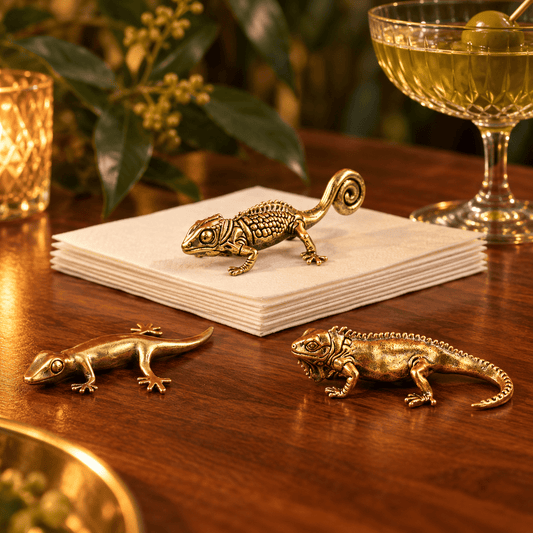
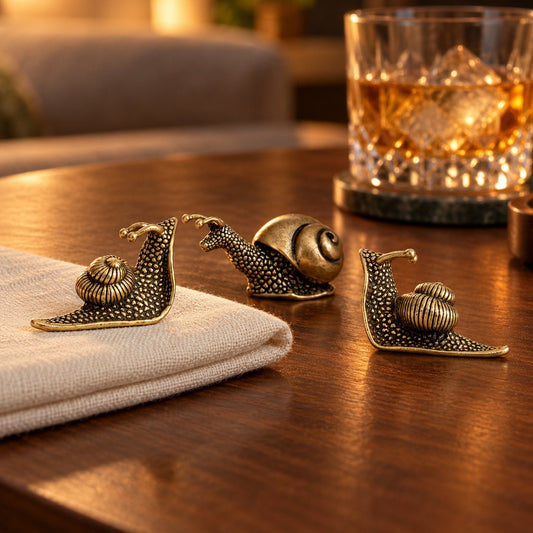
A plant, clock, tray, or sculptural object can make the space personal, but each should earn its footprint. Group small items, vary height, and avoid placing breakable pieces beside active work zones or cables.
Balance Task and Ambient Light
Focused task light should not be the only bright source in a dark room. Add softer ambient light to reduce harsh contrast around screens. Keep color temperatures compatible and position lamps to prevent reflections.
A focused office is not empty; it is edited so the work has visual priority.
Common Buying Mistakes
- Choosing décor before placing essential equipment.
- Using a lamp that reflects in the screen.
- Filling the desk with multiple small organizers.
- Hanging distracting art directly in the primary sightline.
- Allowing cords and chargers to cross active work areas.
Final Buying Checklist
- List the tasks and equipment used most.
- Measure the remaining work surface and chair clearance.
- Check lamp footprint, reach, glare, bulb, and cord.
- Store tools by frequency of use.
- Plan the wall and video-call background.
- Limit decorative accents to a few purposeful pieces.
- Balance task light with softer ambient illumination.
Ready to compare options? Explore Urban Alcove’s home office collection.